
← Portfolio

Website breakdown · Healthcare

Anatomy of
FindShockwave

findshockwave.com ↗ (opens in a new tab)

Make a specialised provider search understandable for someone researching treatment options.

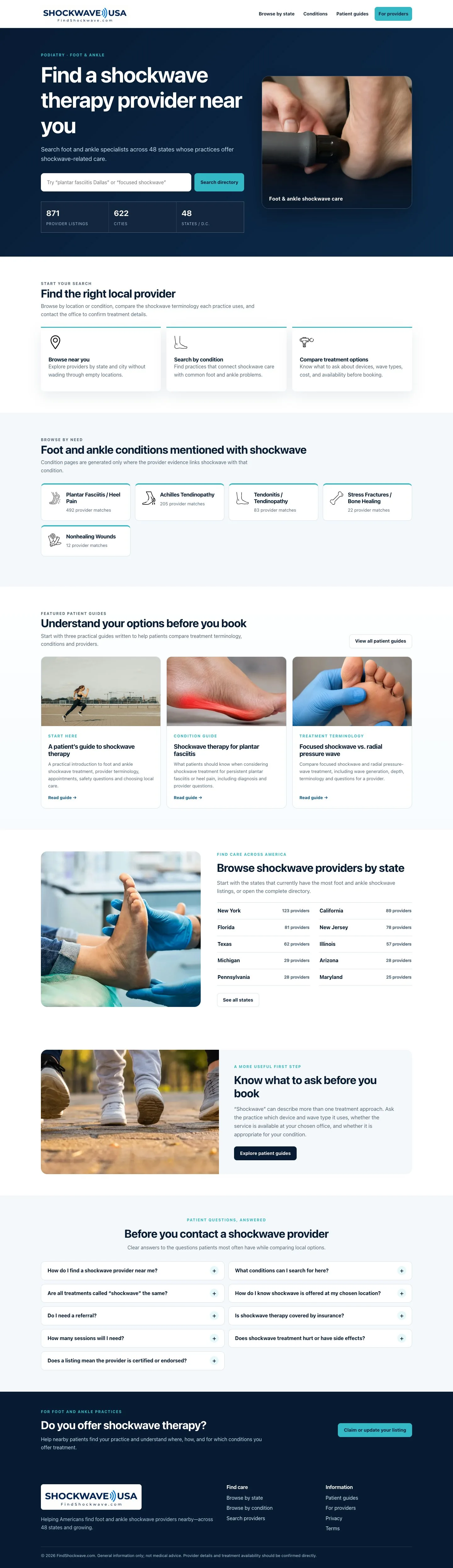
FindShockwave full homepage
1conversion

Name the specialised search.

The opening makes the directory’s focus clear and puts search within reach.

Make it easy.
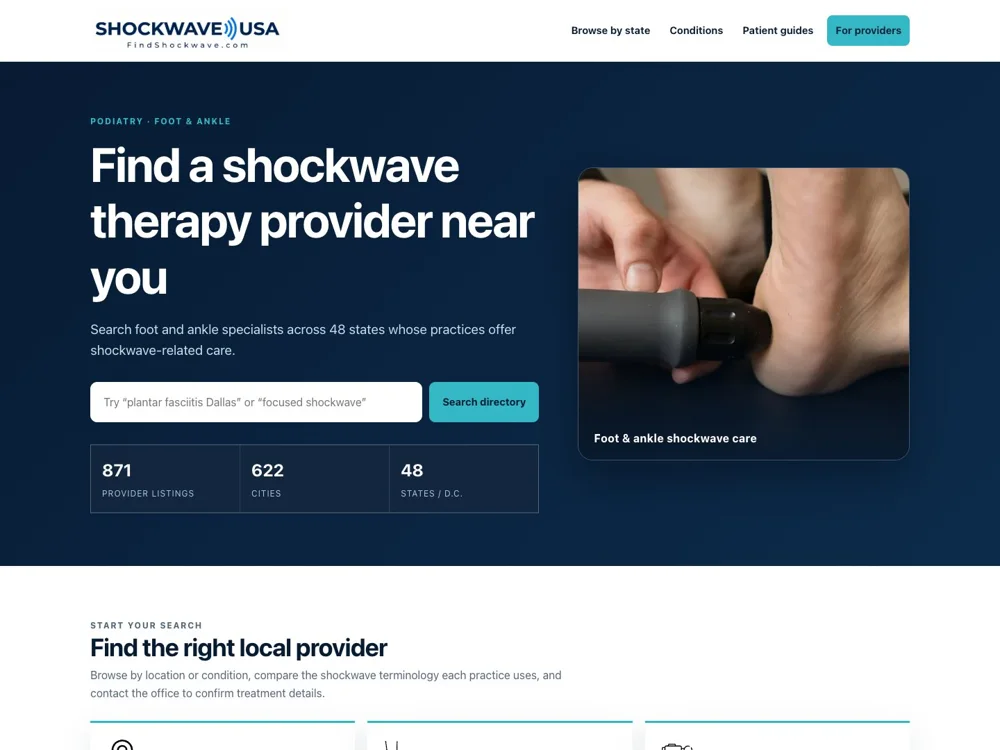
FindShockwave: Name the specialised search.
2seo

Help people find a local option.

The local browsing route connects a broad treatment search with providers nearby.
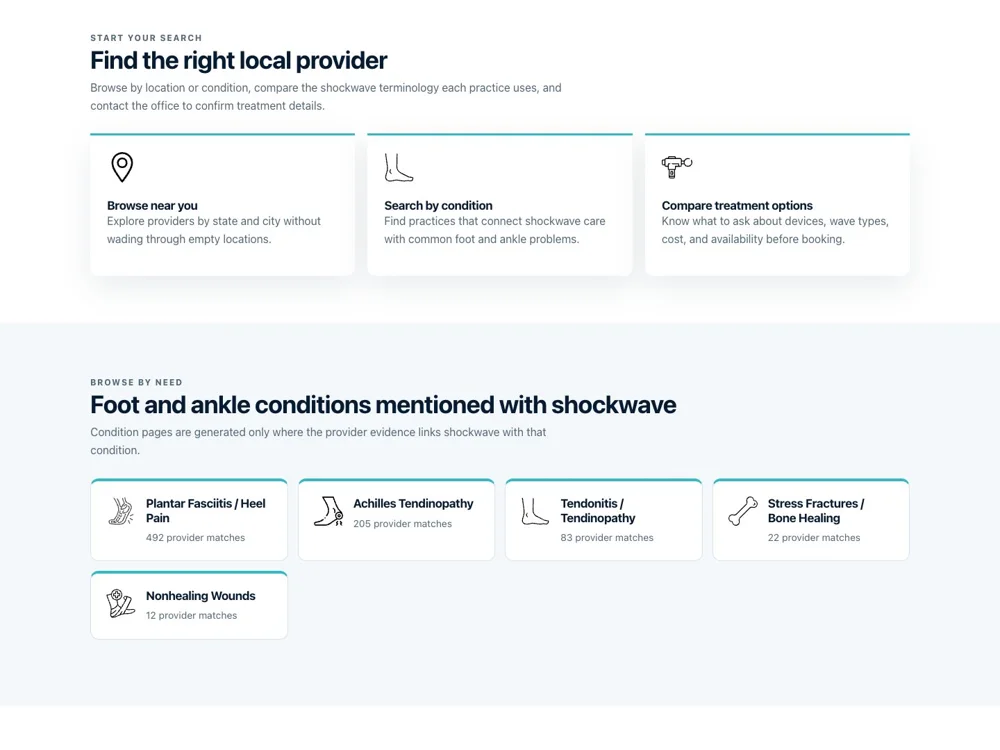
FindShockwave: Help people find a local option.
3content

Organise around patient concerns.

Condition navigation gives people a familiar way to explore the directory.

Help before the ask.
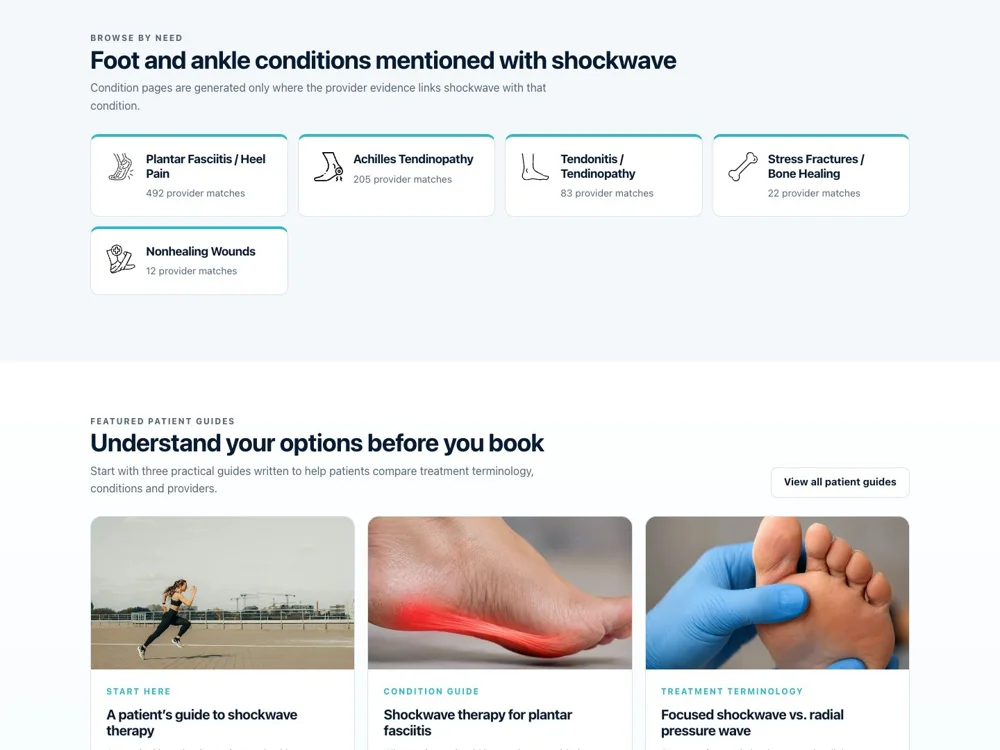
FindShockwave: Organise around patient concerns.
4trust

Explain before the appointment.

Guides provide context for questions a patient may want to ask.
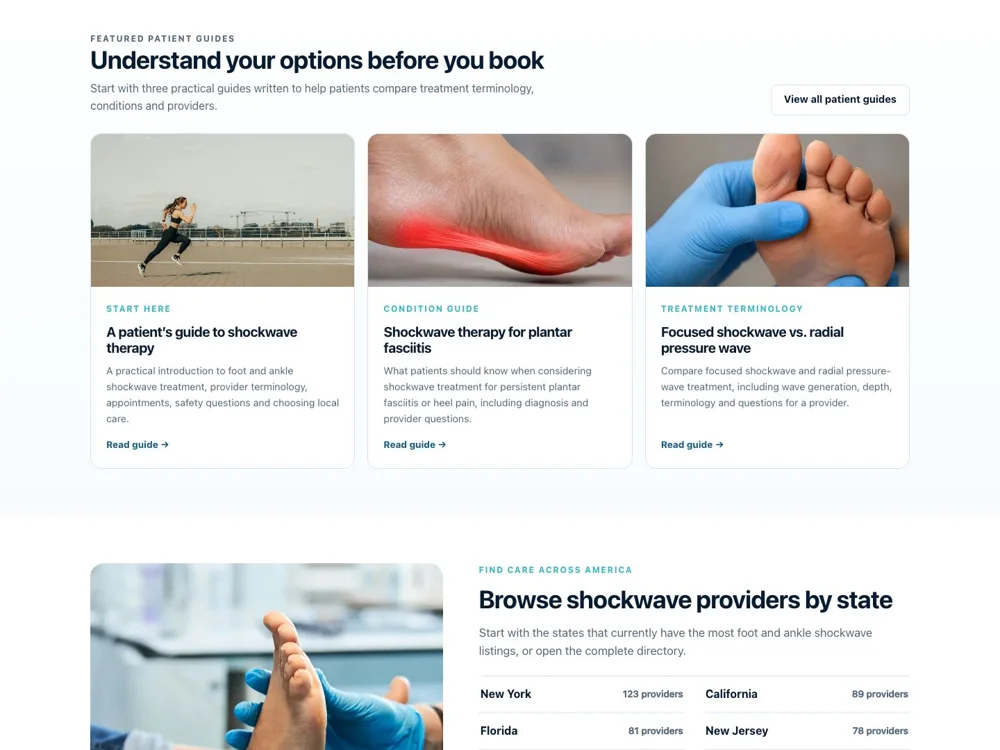
FindShockwave: Explain before the appointment.
5seo

Give each state a route.

Geographic pages make a national directory easier to navigate.
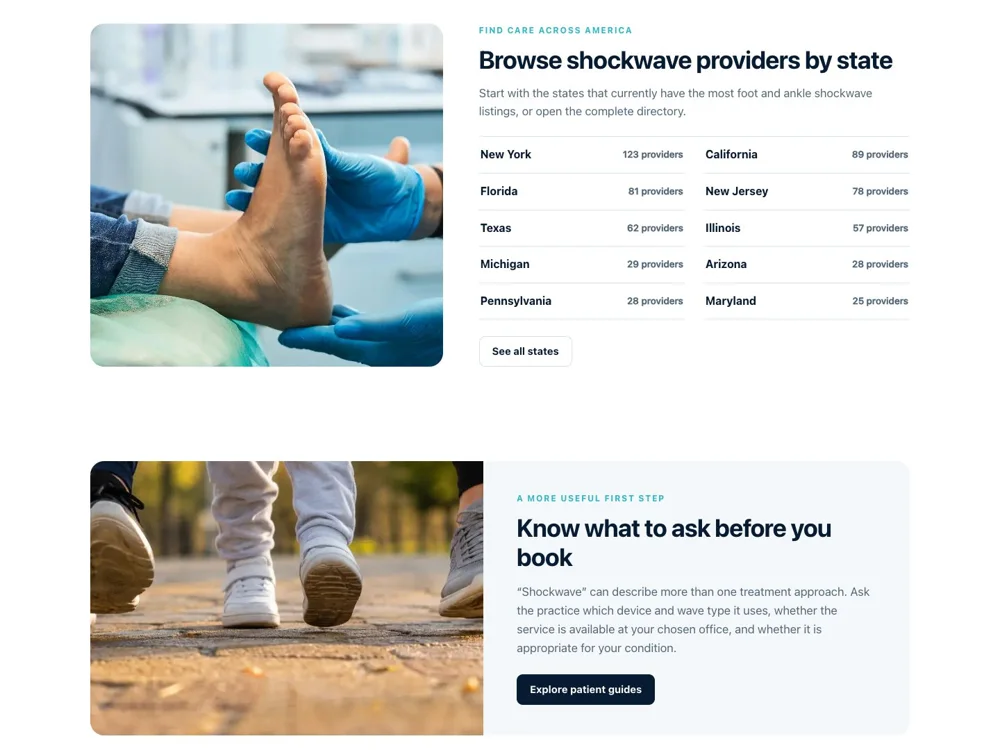
FindShockwave: Give each state a route.
6content

Prepare the conversation.

Questions to ask help visitors approach a provider with clearer expectations.

One clear next step.
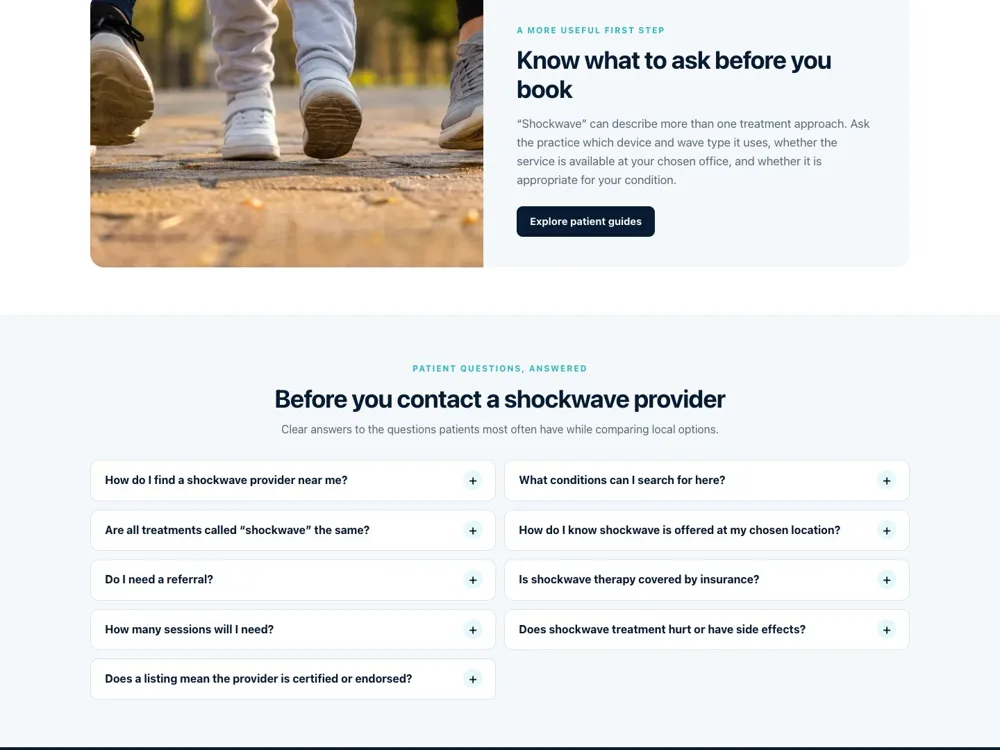
FindShockwave: Prepare the conversation.

Beyond the homepage

The useful details.

Feature detail

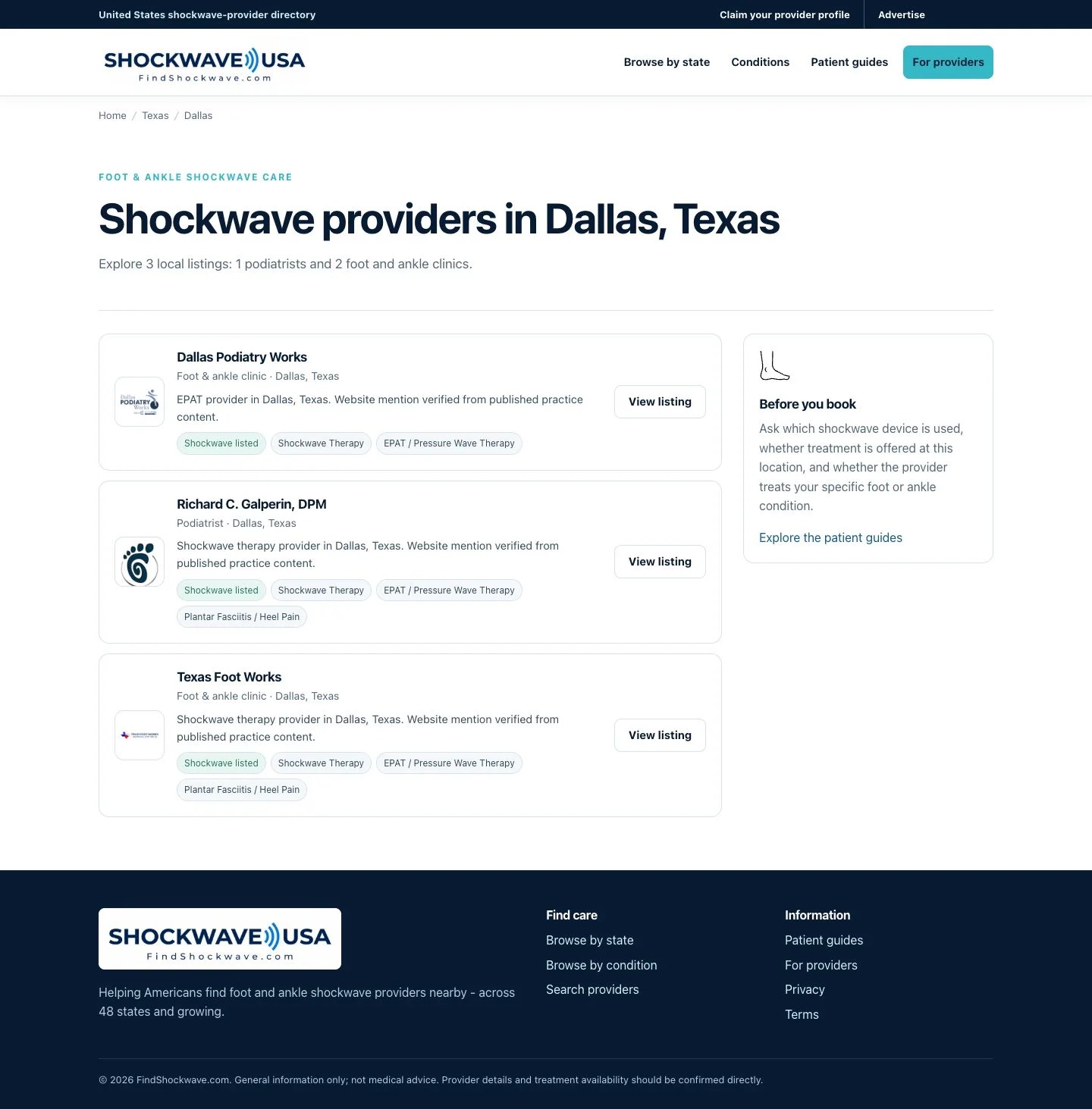
Browse the directory

Location, relevant details and clear choices help visitors find a suitable option.

Find the right fit.
FindShockwave: Browse the directory
Feature detail

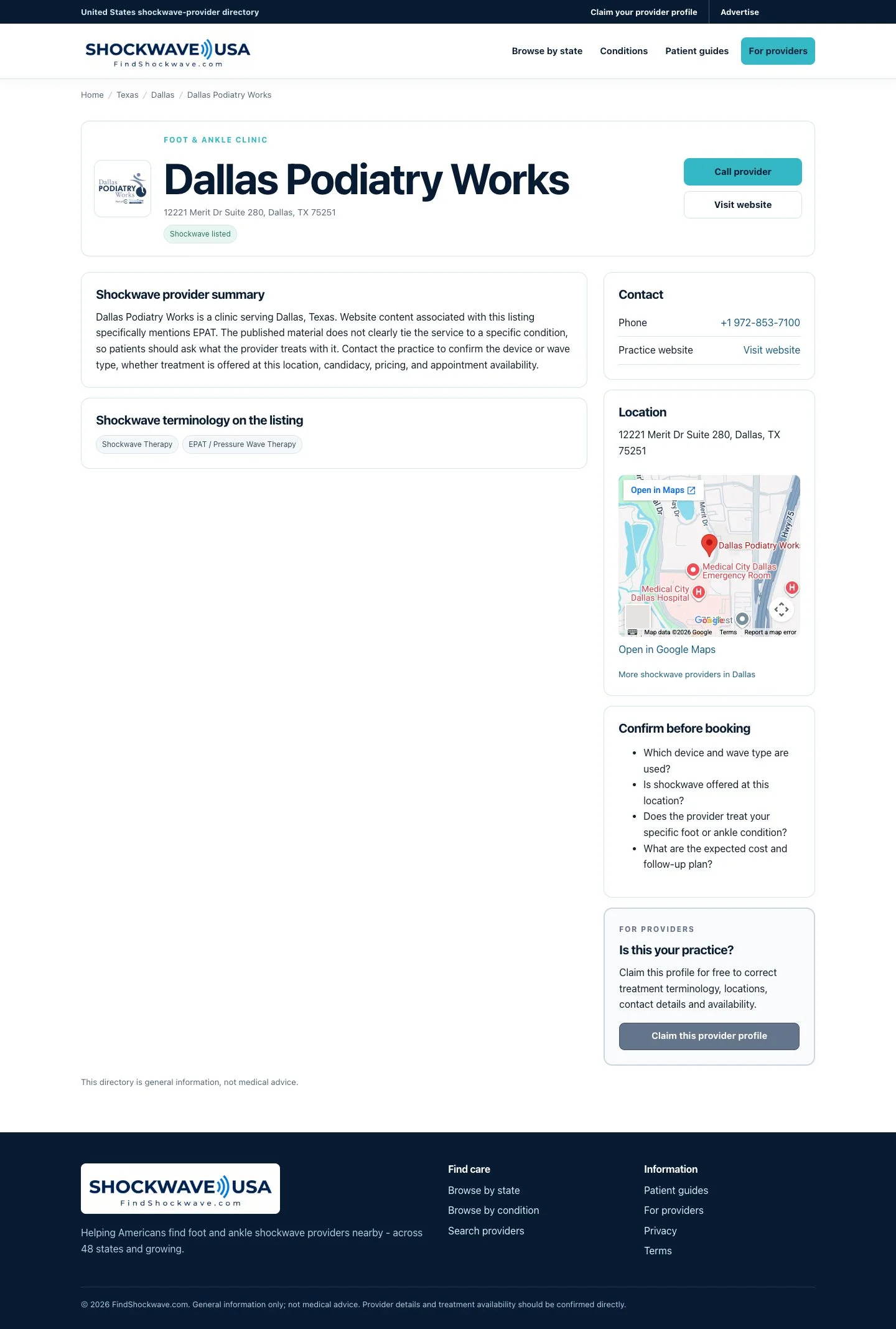
Inside a listing

A representative listing brings the information needed for the next decision together.

Details that matter.
FindShockwave: Inside a listing

Scorecard

Looking back.

Went well

  1. The specialised focus is clear immediately.
  2. Guides help prepare questions for a provider.

Would change

  1. Clarify unfamiliar treatment terms earlier.
  2. Keep local search close to the guidance.

Problems solved

  1. Makes a specialised provider search easier to navigate.
  2. Helps visitors prepare for a more informed conversation.